Tap the Share button (a square with an arrow pointing up) at the bottom of the screen.
Scroll down and choose “Add to Home Screen”.
Tap “Add”.
On Android (Chrome):
Tap the three dots at the top.
Choose “Add to Home screen” or “Install app”.
After installing, the game icon appears on your home screen and opens like an app, even without internet.
How to play
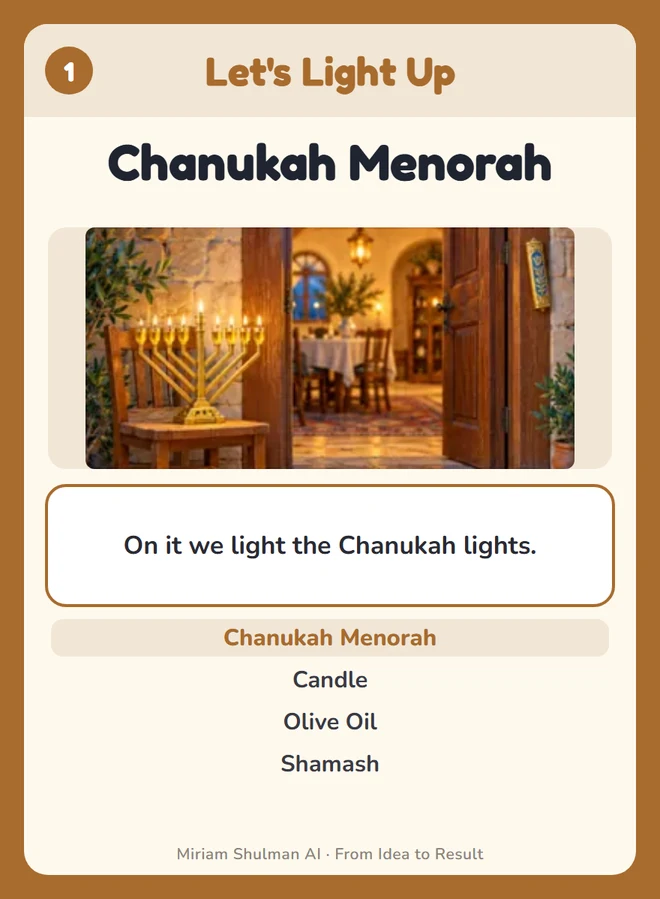
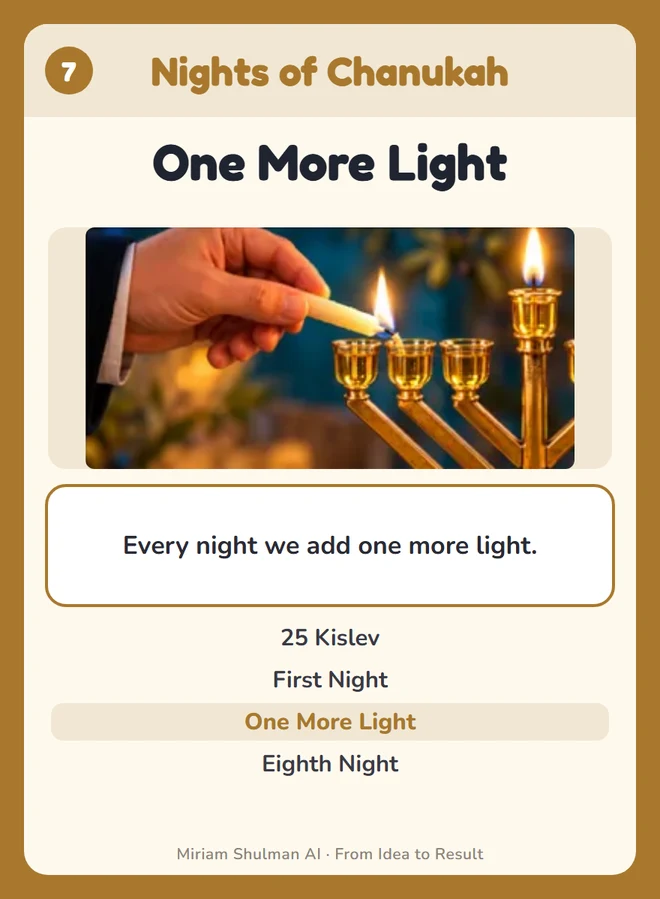
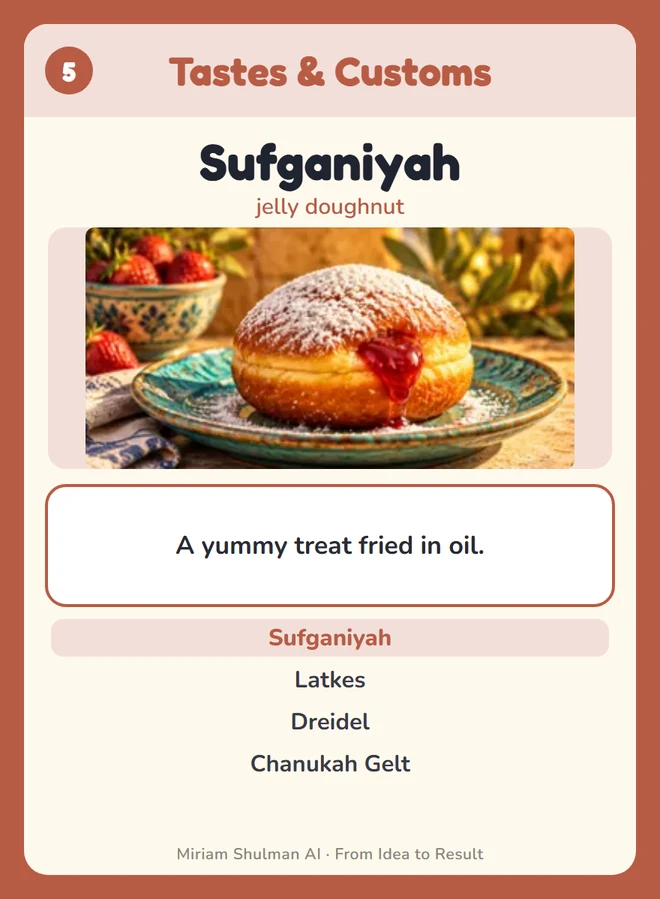
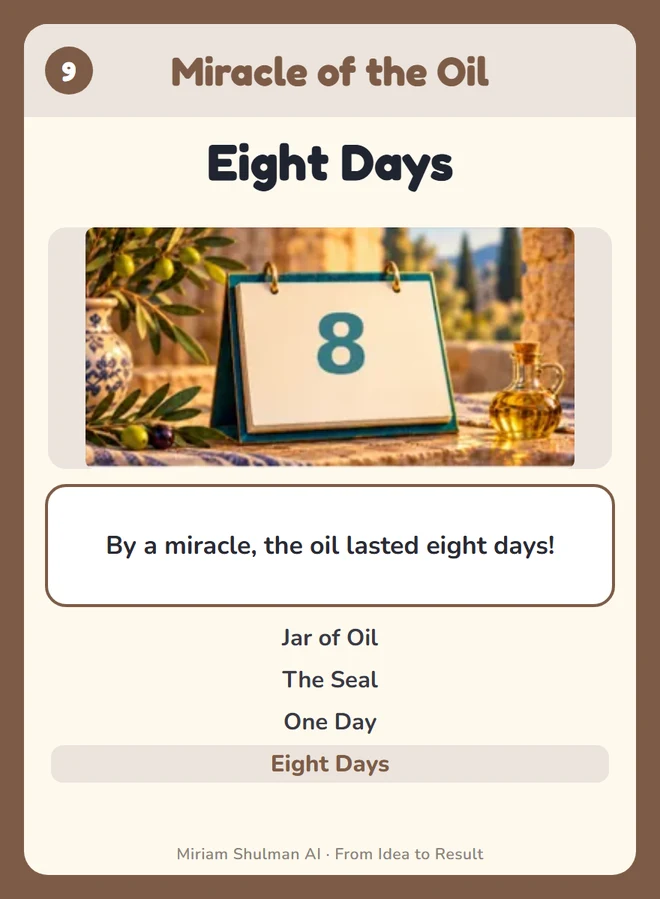
The deck has 9 sets, with 4 cards in each set. The goal: collect as many quartets as you can.
On your turn, tap one of your cards and choose a card from the same set that you are still missing. If there are several players, also choose who to ask.
If they have the card, they give it to you, and you keep asking.
If they don't, you take a card from the draw pile and the turn passes. But if you draw exactly the card you asked for, you go again!
When you have all 4 cards of a set, they go down on the table as a quartet.
When all the quartets are on the table, the game is over. Whoever collected the most quartets wins.
Tip: pay attention to what the other players ask for. That's how you know what they are holding 😉